Certification
Sample badgeHow GEO Certified badges work
The live badge
The same badge, before and after revocation. Sample ID; not a valid credential.
Embed code (each holder gets their own ID)
<a href="https://geoaioptimization.com/verify/GEO-CA-2026-000000" rel="noopener">
  <img src="https://geoaioptimization.com/api/badge/GEO-CA-2026-000000" width="380" height="96" alt="GEO Certified Agency – verify certificate GEO-CA-2026-000000">
</a>
The image is served from the registry and the link opens the holder's verification page.
Why verification matters
Anyone can copy an image. Only the registry can tell you whether a credential is active today. Clients should click the badge, or enter the certificate ID at /verify.
How agencies embed badges
- Copy the embed code from your certificate's verification page.
- Paste it into your site footer, About page or proposals.
- Do not download and re-host the live badge image; that would freeze its status.
What certified organizations may say
[Agency Name] is a GEO Certified Agency, certified by GeoAI Optimization against the GeoAI Optimization GEO Standard v1.0. See the certified brand guidelines for what may and may not be claimed.
Programme artwork
GEO Certified Professional · light
GEO Certified Professional · dark
GEO Certified Professional · mono
GEO Certified Agency · light
GEO Certified Agency · dark
GEO Certified Agency · mono
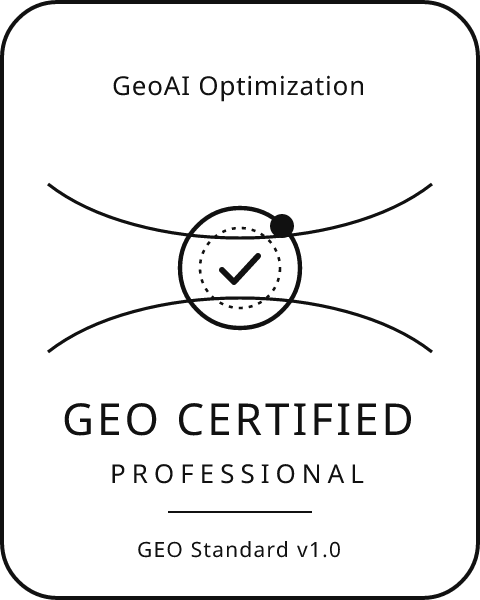
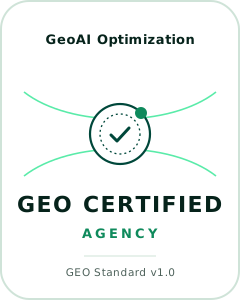
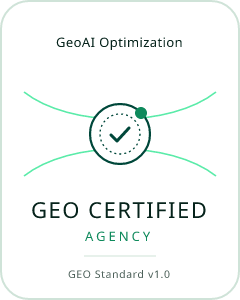
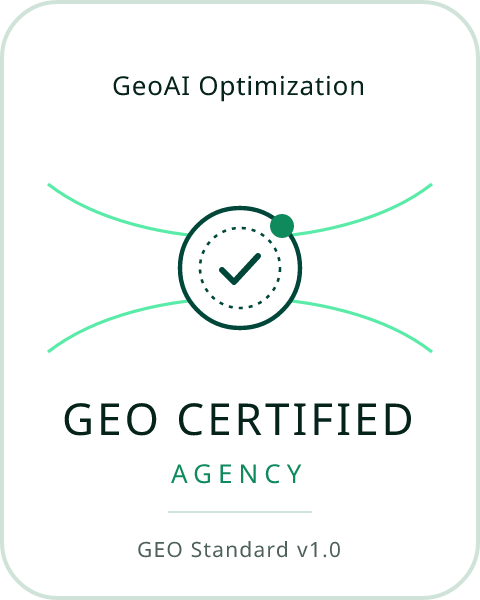
Programme artwork is for proposals, print and slides. On websites, embed the live badge below so its status stays current. Badges exist only for open programmes.
Questions about badge use? Read the badge terms.